
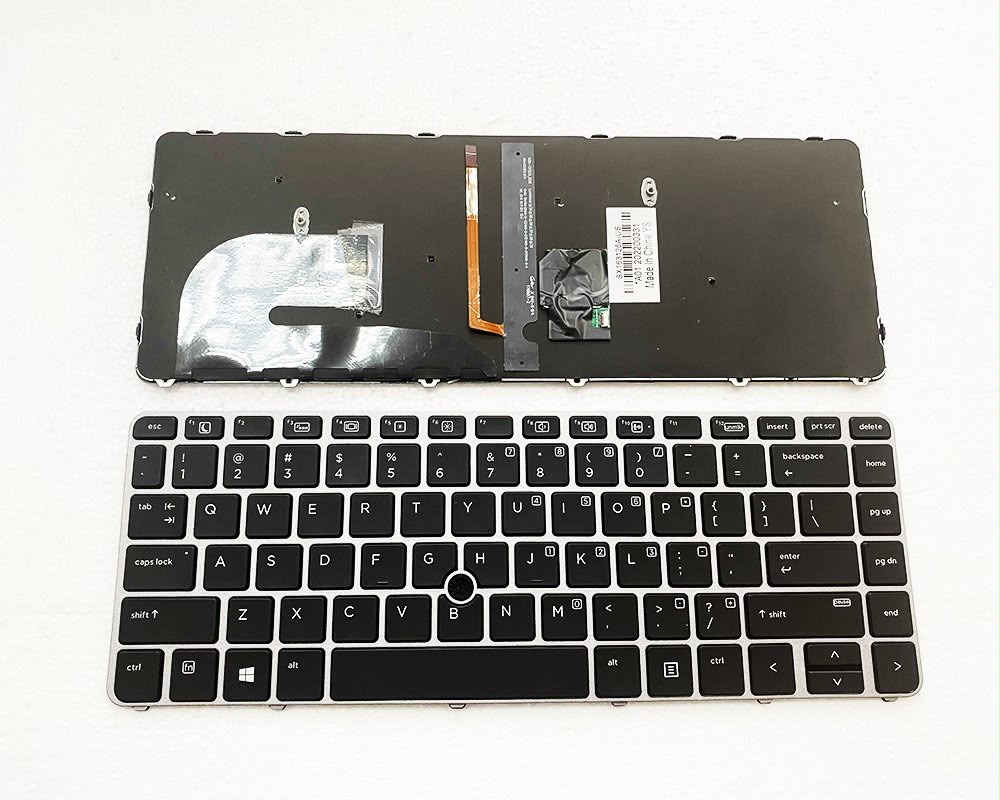
Product details
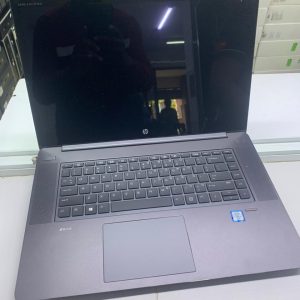
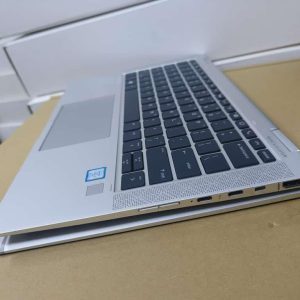
Hp Elitebook 840 G3 Backlit keyboard
The HP EliteBook 840 G3 features a chiclet-style keyboard that is available with an optional LED backlight. If your unit has this hardware feature, you can easily toggle it and control its brightness to work in low-light environments
How to Turn On and Control the Backlight
- Locate the backlight icon (a symbol with tiny beams of light) on the F3 or F9 function key.
- Press the Fn key and the function key at the same time.
- Repeatedly pressing this combination will allow you to cycle through different brightness levels or turn the light off.

There are no reviews yet.